How to use NineCatHoops
Four short guides. Each takes a couple of minutes.
1. Make an account and link your Yahoo league
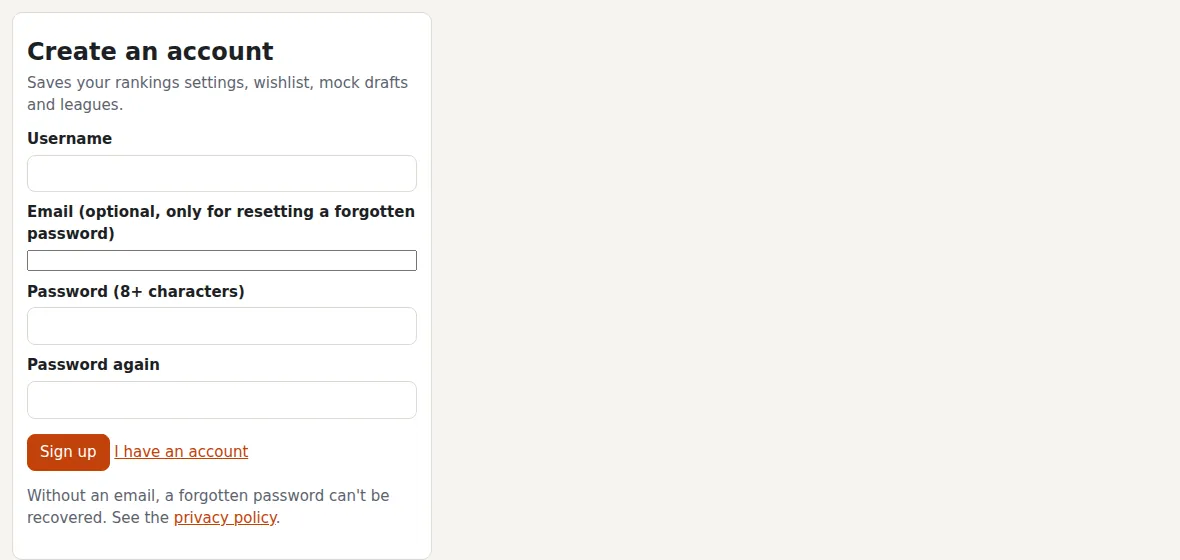
An account keeps your settings, wishlist, mocks and leagues. An email is optional: it's only used to reset a forgotten password.
Sign up
Top right: Sign up. Pick a username and a password of 8 or more characters.
Make your Yahoo league public
In Yahoo, the commissioner opens Edit League Settings and turns on Make League Publicly Viewable. Then paste the league number on Leagues. We never ask for your Yahoo login.
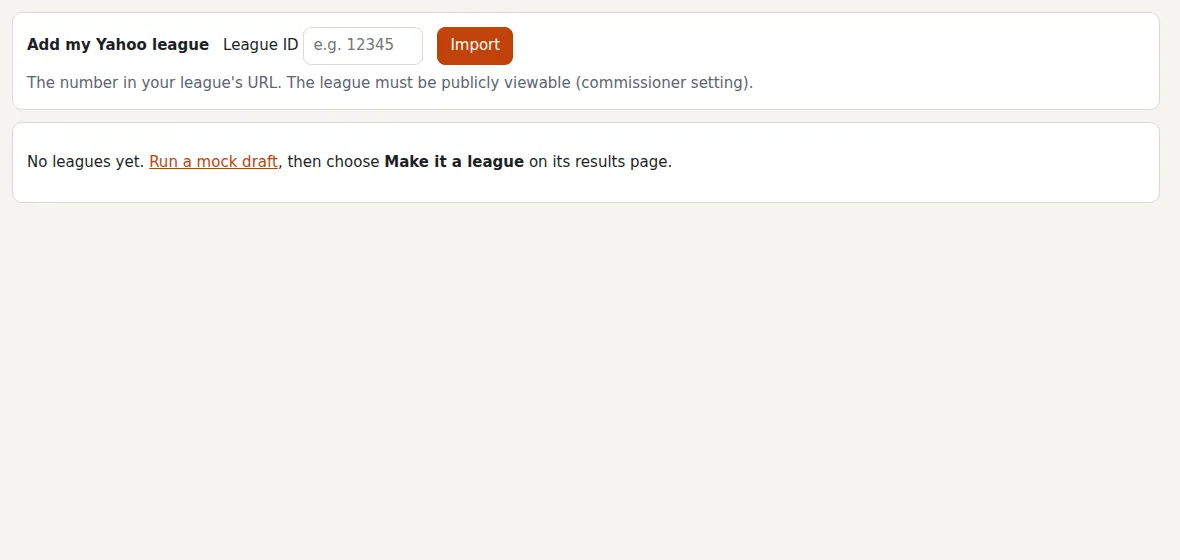
Add my Yahoo league
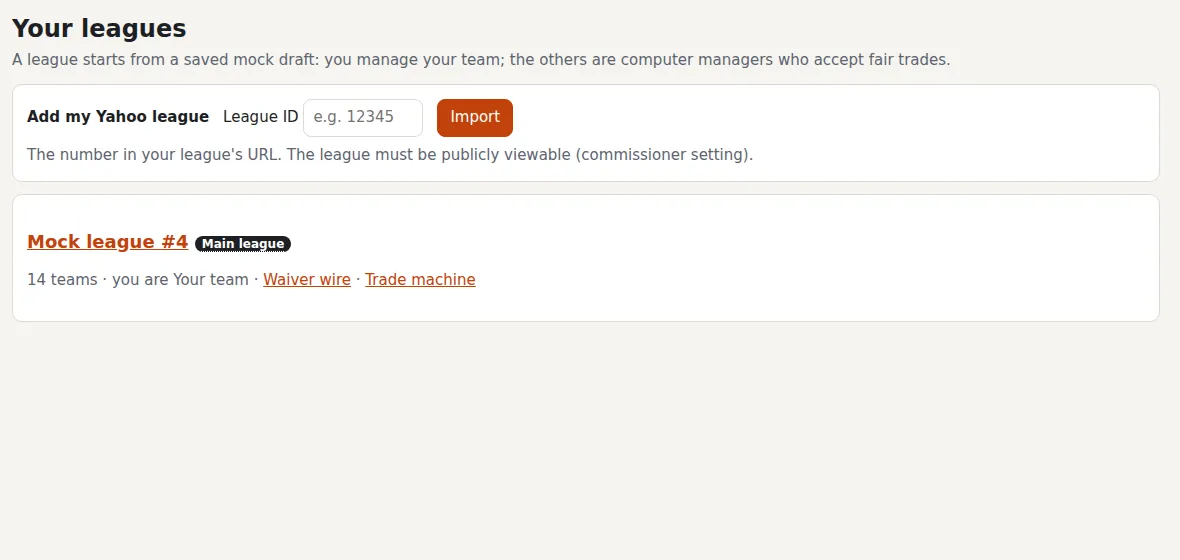
On Leagues, Add my Yahoo league takes the number from your league's web address. Pick your team, and the league refreshes every day. Make it your main league to mark your players on the schedule.
2. Use the player rankings
Every player valued for head-to-head 9-cat.
Pick a view and a basis
View chooses the categories (All 9, Minus 1, DURANT); Basis chooses delivered, per game or season totals; Lens picks our projection or a past season. Hover or tab to any label for what it means.
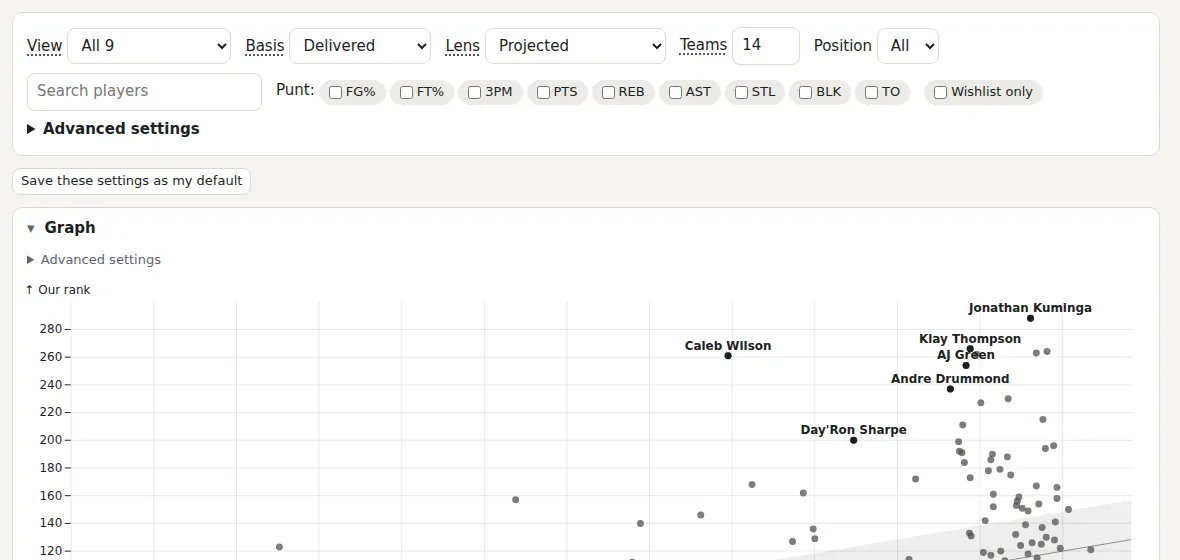
Explore the graph
Put any two measures against each other, per game or as totals. Type a name to light it up; give your draft slot to see your picks as lines.
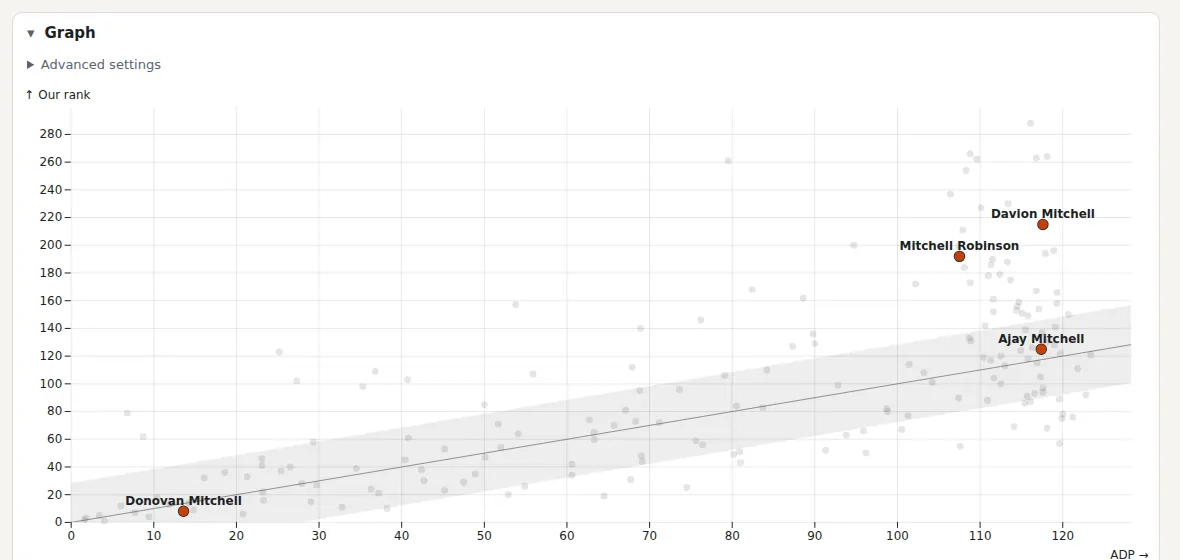
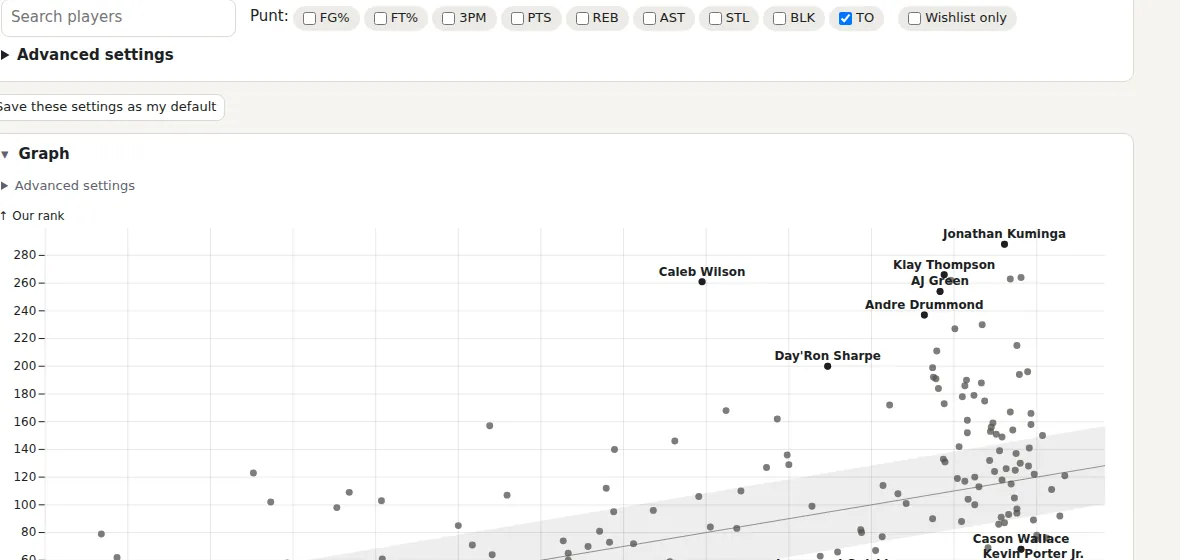
Punt, filter and star
Tick categories to punt, or open Advanced settings for thresholds, weights and more. The star puts a player on your Wishlist, which follows you into every mock draft.
3. Use the schedule
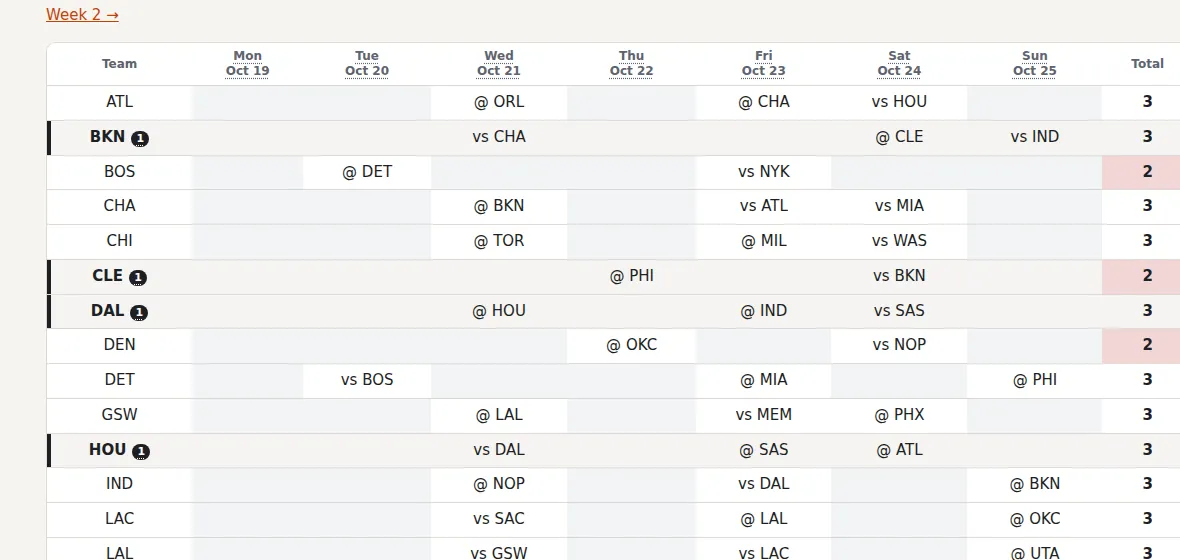
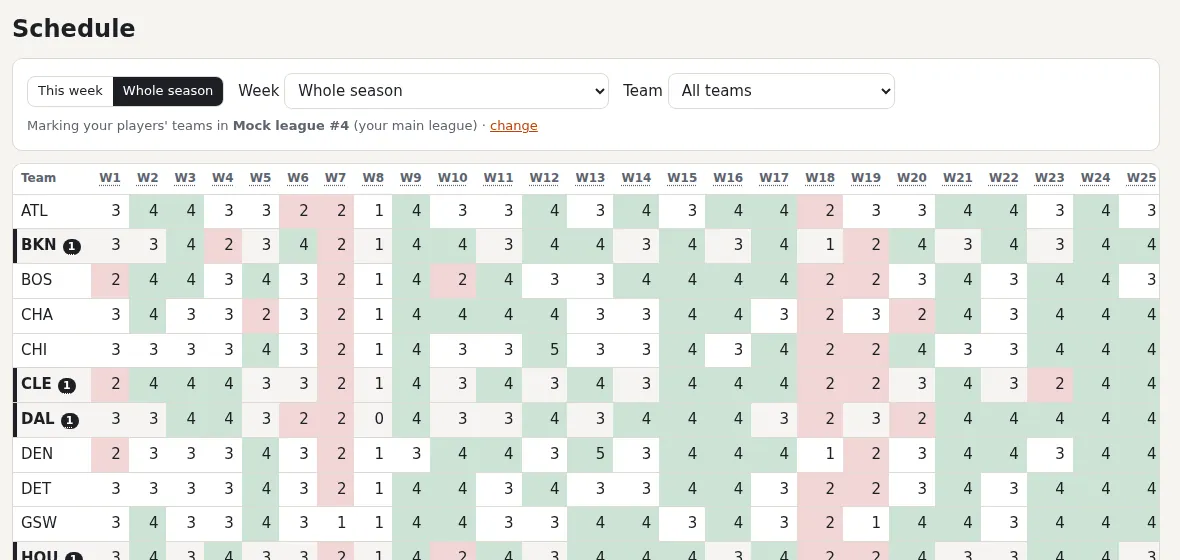
Games per team in each fantasy week (Monday to Sunday), for streaming.
Open this week
Schedule opens on the current week: teams by day, sortable by games. Four-game weeks are green, two-game weeks red.
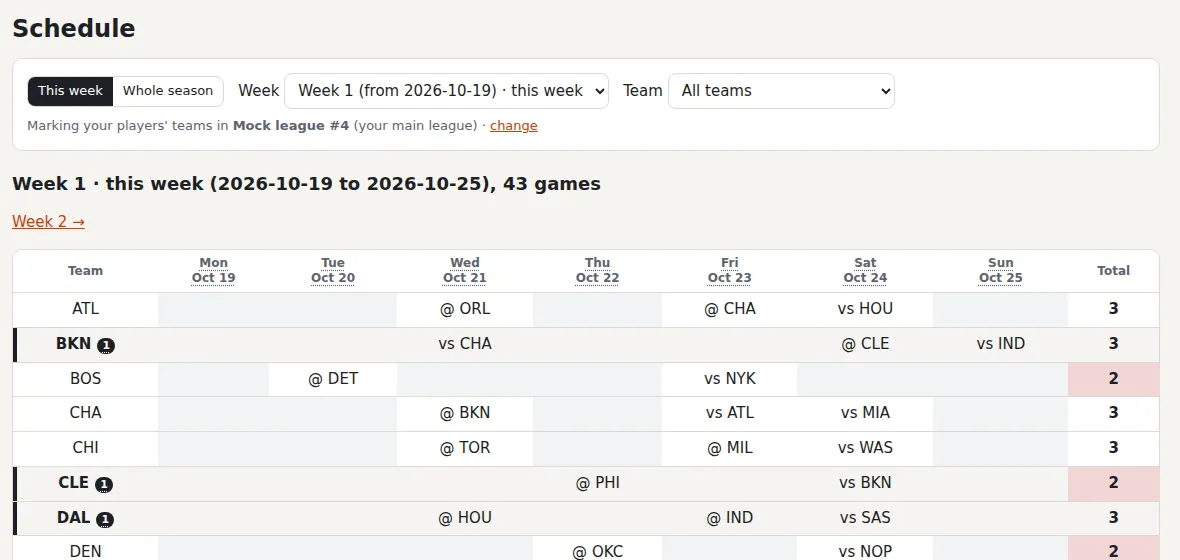
See your players' teams
With a main league, the NBA teams you have players on are marked with a count; hover it for who.
Plan ahead
Whole season shows every week at once; click a number for that team's games that week.
4. Run a mock draft and play it as a season
Practice your draft, then see how the team would do.
Set the teams and your pick
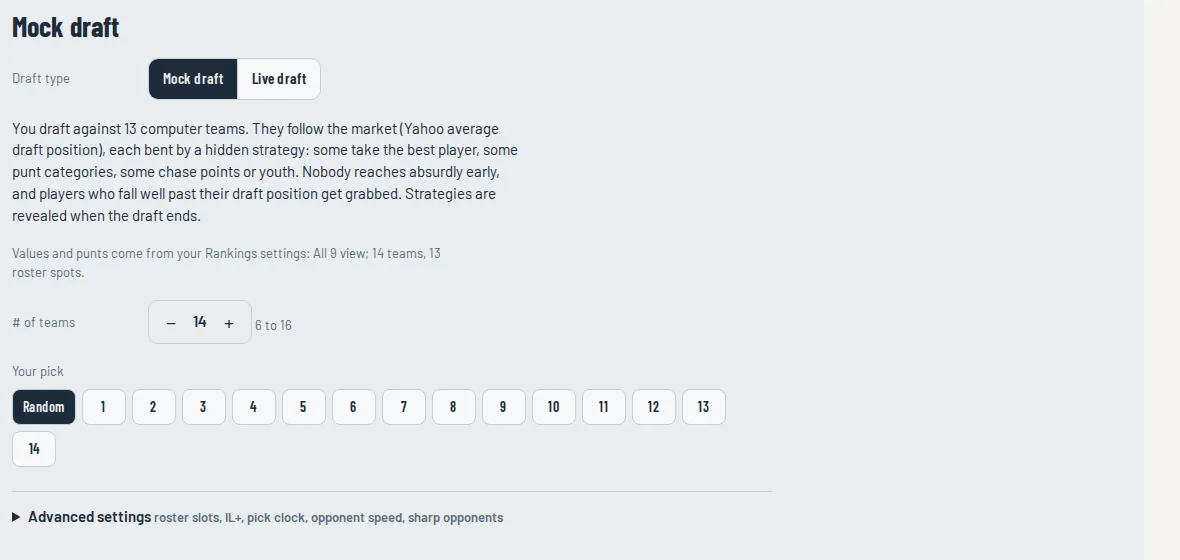
On Mock draft, choose the number of teams and your pick. Everything else (roster slots, the clock, opponents) is under Advanced settings.
Draft
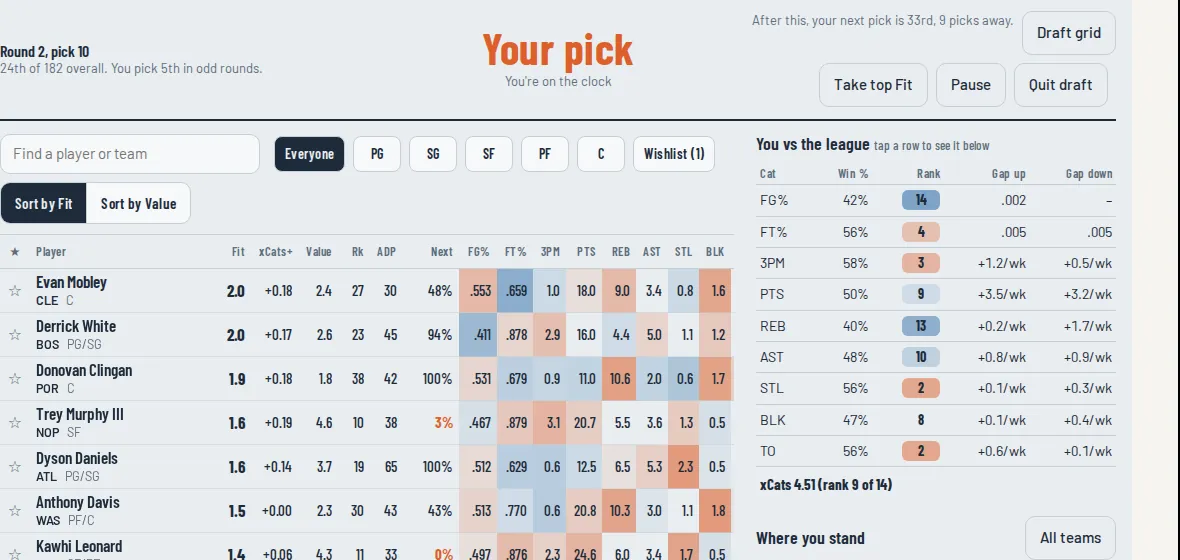
Fit ranks players for your roster; Next is the chance he lasts to your next pick. Your wishlist is starred, and Draft grid shows every pick so far.
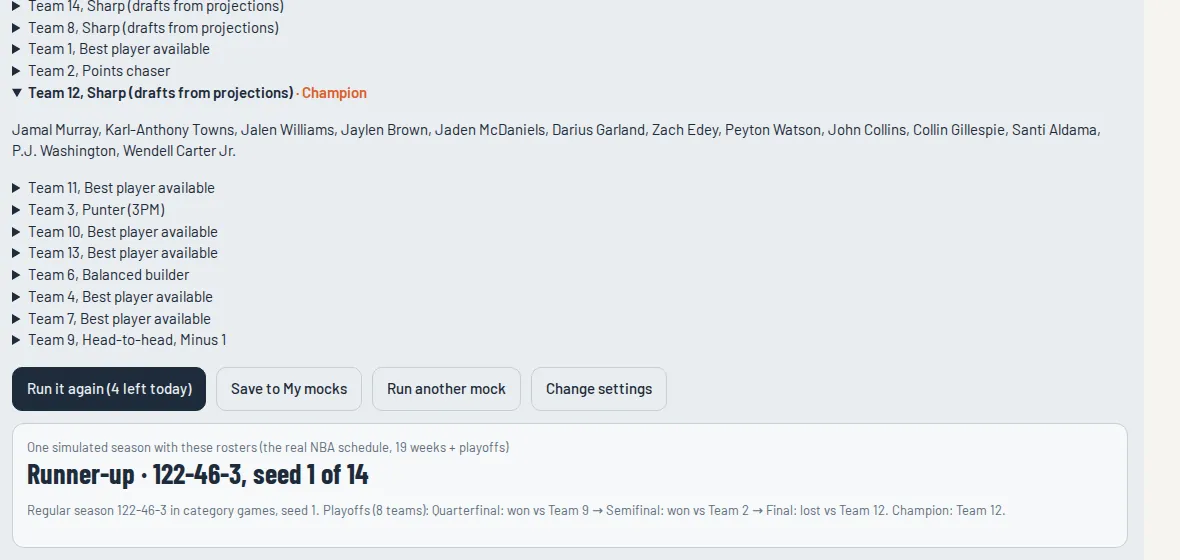
Simulate the season, then make it a league
At the end, Simulate this season plays the year out and shows where you finish (5 a day). Save to My mocks, then Make it a league to manage it week by week: waivers, trades and odds.